How To Use Referral Discounts
A practical step-by-step guide to how to use referral discounts, including preparation, instructions, common issues, tips, and next steps.
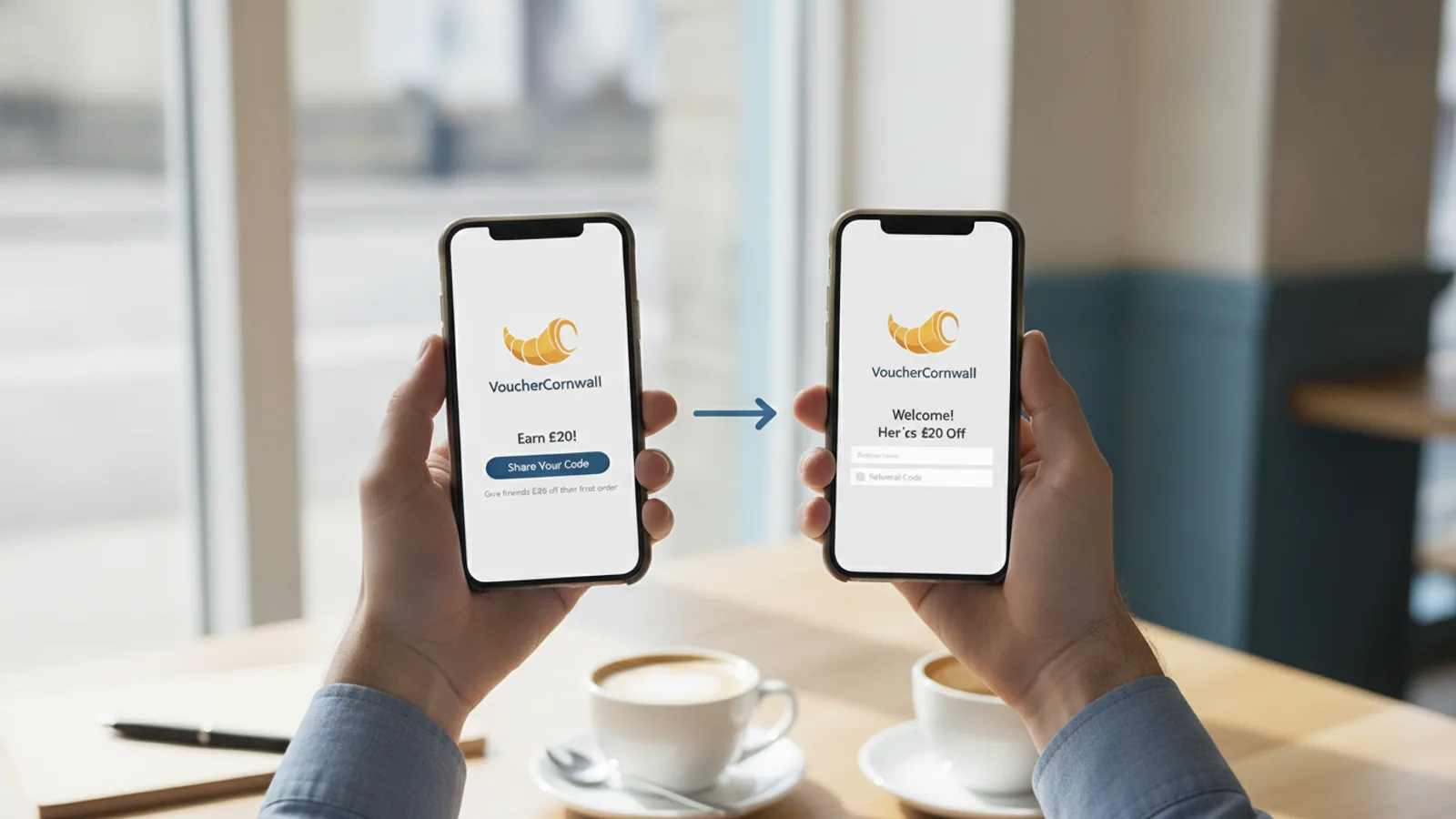
How To Use Referral Discounts
This guide explains how to approach how to use referral discounts, including the preparation, practical steps, common mistakes, and final checks that help you finish with confidence.
Before You Start
Step-by-Step Instructions
Quick Reference
Common Problems When You Use Referral Discounts
Even if you follow all the steps, you might run into issues. Here are some common problems and how to troubleshoot them:
Problem 1: The Referral Code Isn't Working
You entered the code, but nothing happened, or you got an error message.
- Solution A: Check for Typos. Referral codes are often case-sensitive and have no spaces. Double-check that you entered it exactly as it was provided.
- Solution B: Review the Terms. Did you meet all the conditions? Is it for new customers only, and are you one? Is there a minimum purchase amount you haven't reached? Does it apply to the specific items in your cart?
- Solution C: Expired Code. Referral offers can have expiration dates. The code might no longer be valid. Ask the person who gave you the code if they know when it expires or if they have a newer one.
- Solution D: One-Time Use. Some codes are only for one use per customer. If you've used it before, it won't work again.
- Solution E: Try a Different Browser or Device. Sometimes, browser settings or old cookies can interfere. Try opening the website in a different web browser (like Chrome, Firefox, or Edge) or on a different device.
Problem 2: The Discount Applied, But It's Not What I Expected
You got a discount, but it's less than you thought, or it didn't apply to the right items.
- Solution A: Re-read the Offer Details. Was the offer for a percentage off, or a fixed dollar amount? Did it apply to specific categories of items, or exclude certain products? Sometimes, shipping costs or taxes aren't included in the discount calculation.
- Solution B: Check for Stacking Rules. Most referral discounts cannot be combined with other offers, coupons, or sales. If you have another discount applied, it might override the referral offer or vice versa.
Problem 3: The Referral Link Doesn't Lead to an Offer
You clicked the link, but it just took you to the regular homepage, or there was no mention of a discount.
- Solution A: Link Malfunction. The link might be broken, expired, or incorrectly copied. Ask the referrer for the link again, or if they have a manual code instead.
- Solution B: Check for Automatic Application. Sometimes, the discount is applied in the background. Continue with the sign-up or shopping process, and look for the discount to appear at the very last step before payment. If it doesn't, stop and re-evaluate.
Problem 4: I Forgot to Use the Referral Discount
You completed your purchase or sign-up, and then realized you forgot to apply the referral code.
- Solution A: Contact Customer Support. This is your best chance. Immediately contact the company's customer service via chat, email, or phone. Explain what happened, provide the referral code, and ask if they can apply the discount retroactively. Be prepared to provide your order number and referral code. Success is not guaranteed, as many companies have strict policies about this.
Advanced Tips for How to Use Referral Discounts
Once you're comfortable with the basics, here are some ways to get even more out of referral discounts:
Tip 1: Always Search for a Referral Code First
Before making a purchase from a new company or signing up for a new service, make it a habit to do a quick search for " [Company Name] referral code " online. You might be surprised how often you can find one, even for popular brands. A few minutes of searching can save you money.
Tip 2: Understand the "Stacking" Potential (or Lack Thereof)
Most referral discounts are "exclusive," meaning they can't be combined with other coupons or sale prices. However, some rare instances allow for stacking. Read the terms closely. If a referral discount says it can be combined with other offers, you could potentially save even more. But assume they can't be stacked unless explicitly stated.
Tip 3: Look for High-Value Referral Programs
Some companies offer incredibly generous referral bonuses, especially for services like banking, investment apps, or internet/mobile providers. These might offer hundreds of dollars in bonuses for both the referrer and referee. If you're considering a big financial decision or a new utility, actively seek out these referral opportunities.
Tip 4: Be Mindful of Data Privacy When Using Public Codes
If you get a referral code from a public forum or unknown source, be aware that the referrer might be able to see that someone used their code, though usually without knowing your specific identity. If this is a concern, stick to codes from trusted friends or official sources. Companies like Vouchercornwall encourage transparency, but always be aware of what information you're sharing, even indirectly.
Tip 5: Time Your Sign-Ups for Maximum Savings
Sometimes, companies run their own special promotions or sales at the same time as their referral program. If you can combine a strong referral discount with an existing sale (if allowed by terms), you might get an even better deal. Keep an eye on sales calendars for services or products you're interested in.
How To Use Referral Discounts FAQ
Q: Are referral discounts only for new customers?
A: Most referral discounts are indeed designed for new customers. The goal is to grow the customer base. However, some companies occasionally run programs where existing customers can get a small bonus for making a new purchase after being referred, but this is less common.
Q: Can I use more than one referral discount at once?
A: Generally, no. Companies usually only allow one discount code or referral offer to be applied per transaction or sign-up. If you try to enter a second code, it will often replace the first one, or simply not work.
Q: What's the difference between a referral code and a promo code?
A: A referral code is a type of promo code that is specifically tied to an existing customer who referred you. It benefits both the new customer and the referrer. A general promo code or coupon code might be shared widely by the company (e.g., for a holiday sale) and doesn't usually link back to an individual referrer.
Q: What if my friend forgot to give me their code or link?
A: If you completed a purchase or signed up without using a referral, it's very difficult to get the discount applied afterward. Your best option is to contact the company's customer support immediately, explain the situation, and provide your friend's referral details. They might or might not be able to help, depending on their policy.
Q: Do referral discounts ever expire?
A: Yes, many referral codes and links have an expiration date. This could be a few weeks, months, or sometimes even a year. Always check the terms associated with the specific offer to avoid disappointment.
Final Checklist for How to Use Referral Discounts
Before you finalize your purchase or sign-up, quickly run through this checklist to ensure you've covered all your bases:
- Have you confirmed the referral code or link is valid? Make sure it's current and correct.
- Have you read the specific terms and conditions for the offer? This includes eligibility (new customer, minimum spend) and what the discount covers.
- Are you certain you meet all the requirements? Double-check you are a new customer if required, and your purchase meets any minimums.
- Have you correctly entered the referral code in the right field? Look for "Promo Code," "Referral Code," or similar boxes.
- Have you verified that the discount has been applied to your total? Do not complete payment until you see the savings.
- Did you consider taking a screenshot of the applied discount? This is a good backup in case of issues.
- Are you aware of whether you can become a referrer yourself after this purchase? Plan to share the savings with others!